Every appliance needs a routine based on its own manual, usage and site conditions. This article is a planning framework, not a substitute for manufacturer instructions or a technician’s assessment.
Build a register before building the checklist
Create a list of equipment with make, model, serial number, location and supplier. Add purchase or commissioning details, the relevant manual, service records and the person responsible for reporting a problem.
Photograph the identification plate where it can be accessed safely. This can save time when requesting a part or explaining which version of a machine you have. Do not rely on a generic description such as “the large fridge” if the kitchen contains several similar appliances.
Give each item a short internal name or number. Use it consistently in shift checks, repair requests and purchase records.
Your equipment register
Blank planning example — complete one row for each appliance using its documentation.
| Equipment / location | Make / model / serial | Service record |
|---|---|---|
| Enter appliance and location | Copy from the appliance plate | Manual, last service, next due |
| Enter responsible person | Record supplier details | Technician and fault history |
Define the checks staff can complete safely
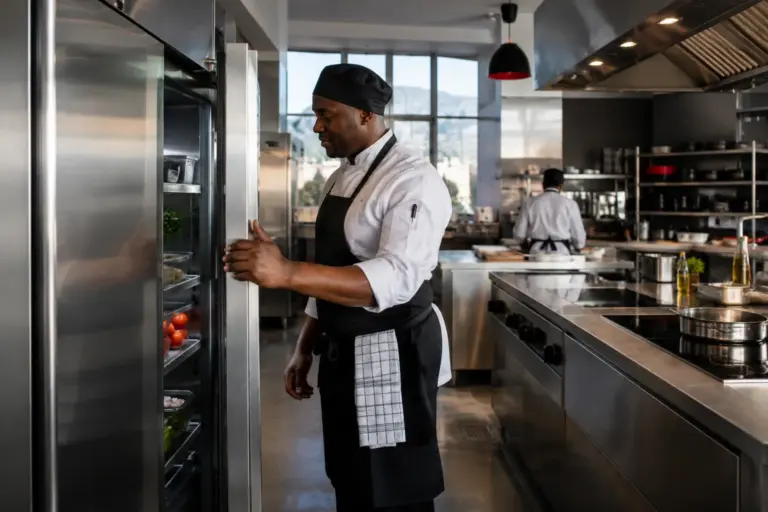
Daily checks should be brief and specific. Depending on the machine and its manual, they may include cleanliness, visible damage, door closure, unusual noise, a displayed warning and whether the equipment completed its normal task.
Record results, not just a tick beside “checked.” A note saying that a door no longer closes properly gives the next shift and the technician something useful to act on.
Cleaning should use approved methods and materials. Follow the instructions for shutdown, cooling and any user-removable parts. Never ask staff to remove guards, open electrical enclosures or adjust gas connections as part of a routine checklist.
Give faults a clear reporting route
Make it easy to report the equipment number, the time the problem began, what the operator was doing and the exact message displayed. Include safe photographs where helpful.
If operation appears unsafe, stop using the appliance and follow the site’s isolation and escalation procedure. A fault that affects refrigeration or washing also needs an operational response for the food or utensils involved; calling a technician alone does not manage that immediate issue.
Avoid repeated restarting when the manual or technician has not advised it. Record the symptom accurately rather than trying a series of improvised repairs.
Schedule service by the actual equipment
Use the manufacturer’s schedule and a qualified service provider’s advice to plan inspections and maintenance. Usage, water conditions, environment and previous faults may affect the appropriate routine.
Do not apply one universal interval to every appliance. A heavily used fryer, an ice machine and a preparation machine have different parts and cleaning requirements.
Plan access for the visit. The technician needs space to work, the identification details and a clear description of the problem. Arrange the appointment around production where possible, while giving urgent or unsafe faults the attention they need.
Track recurring problems
Keep a record of dates, symptoms, work completed, parts replaced and return-to-service advice. Review repeated faults with the service provider instead of treating each call as unrelated.
A recurring problem may point to installation conditions, loading, an incomplete cleaning routine or a component that needs attention. Let the technician diagnose it; the log helps them investigate with evidence.
Prepare for unavoidable downtime
Identify which equipment is essential to the menu and how service will change if it is unavailable. A reduced menu, a revised prep schedule or an alternative approved process can be easier to manage when agreed in advance.
Keep supplier and service contact details accessible. Store approved consumables and spare user-replaceable items only where appropriate for the machine. Do not buy guessed replacement parts based on appearance.
Use a practical technician handover
When contacting Munaaz for spares or repair assistance, provide:
- Make, model, serial number and equipment location.
- A clear symptom and the exact warning, if present.
- When the issue happens and what has changed recently.
- Photographs of the identification plate and visible fault, taken safely.
- Service history and access information.
A useful checklist does more than remind staff to clean. It connects observation, safe escalation, accurate records and qualified support so that the kitchen can respond decisively when equipment needs attention.
Frequently asked questions
How often should catering equipment be serviced?
Follow the manufacturer's requirements and a qualified technician's advice for the exact equipment and usage. There is no single interval that suits every appliance.
What information should I send with a repair request?
Send the model and serial number, a clear symptom, any displayed warning, the service history and safe photographs. Include site access and when the fault occurs.
Further reading
These sources provide background guidance. Check the documentation for the exact equipment you intend to buy.
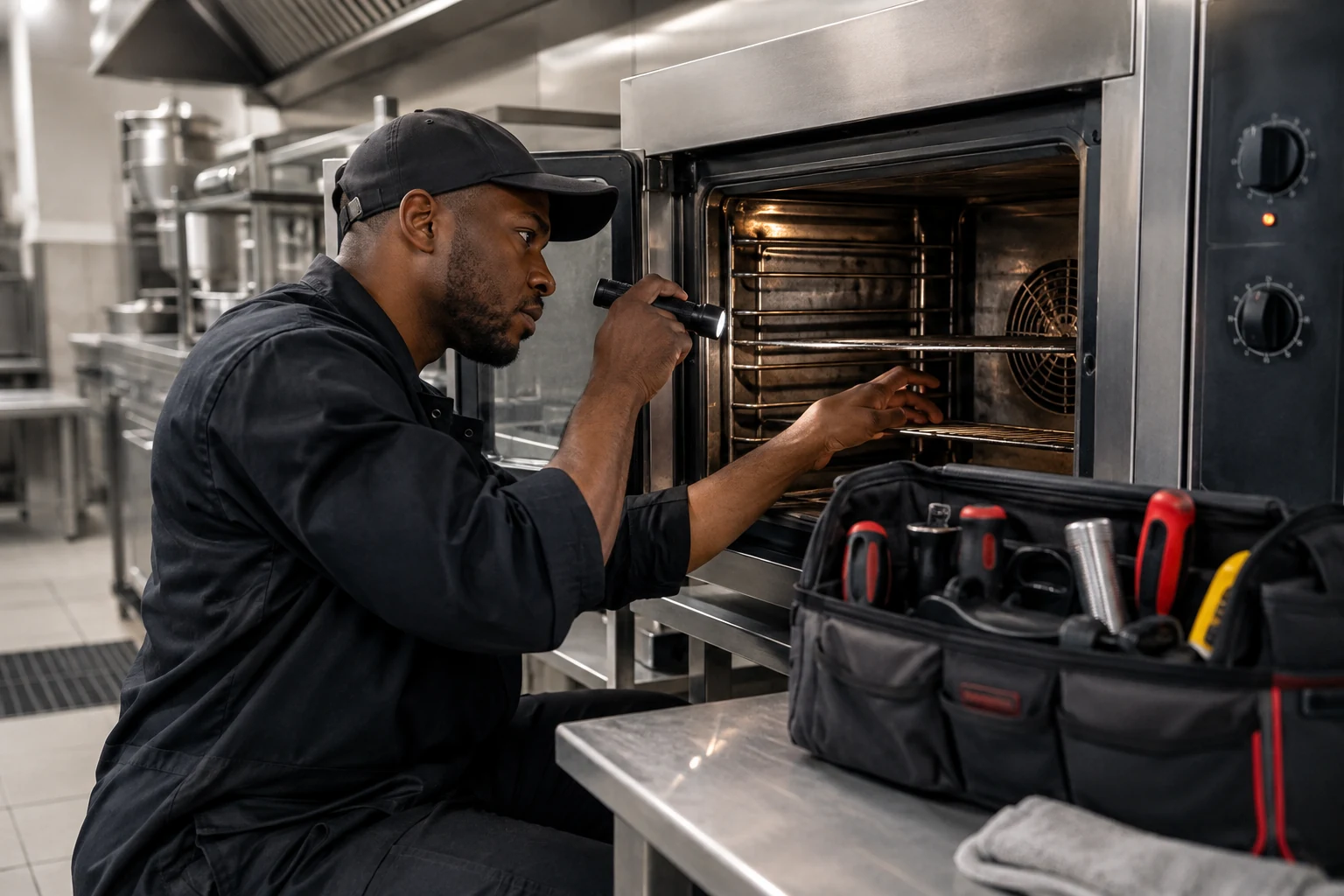
Featured image is an AI-generated illustration of a kitchen or equipment setting.